Removing an Ad Account Connection
Last updated: April 22, 2025
Occasionally, you may want to remove an ad account from MagicBrief to clean up unused connections - here is how to do this:
Open Insights.
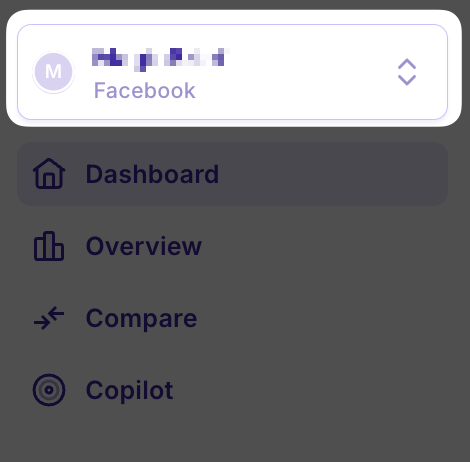
Use the ad account pick at the top left to select the ad account you want to remove:
Select 'Ad Account Settings' at the bottom-left.
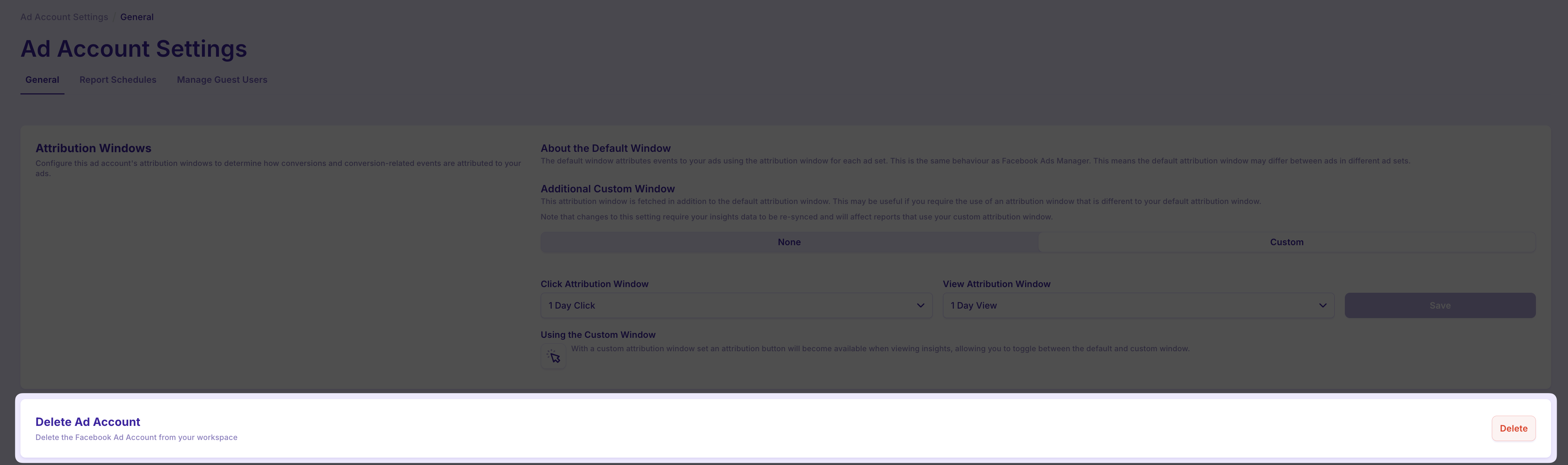
Find the 'Delete' button:
Ad account connections can only be deleted one at a time. If you have multiple ad accounts you wish to disconnect, simply repeat steps 2-4.