Changing Attribution Windows
Last updated: January 17, 2025
How to Change Attribution Windows
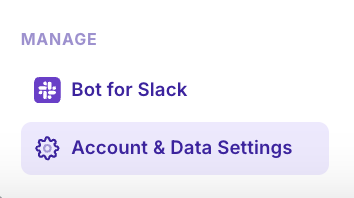
In the bottom left of Insights - click “Account and Data Settings”. Alternatively - click the cursor icon in the top panel of any insights report (visible after you have created a custom attribution window)

Change your click & view windows
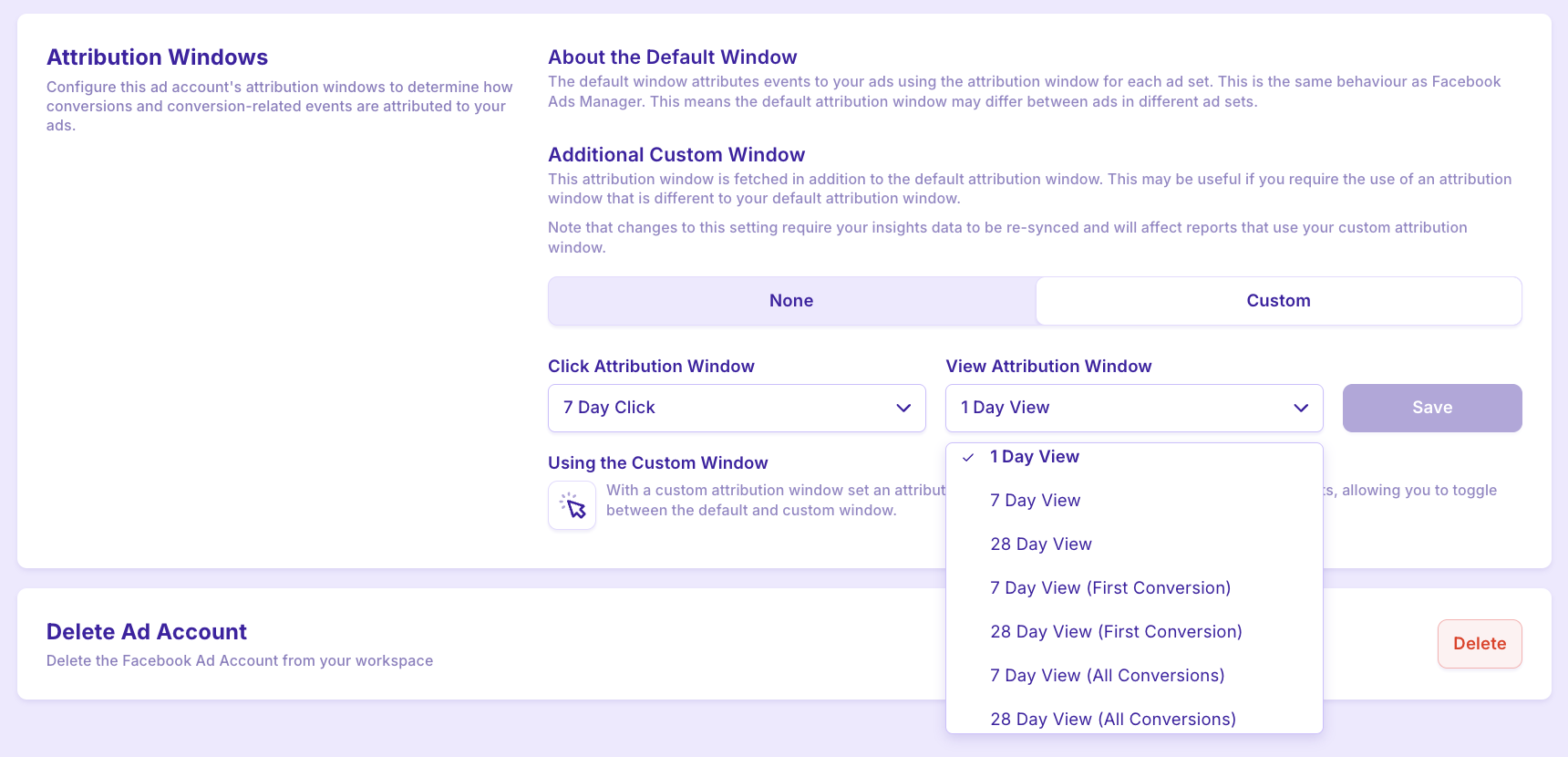
Hit save!