Find and Track Brands
Last updated: January 17, 2025
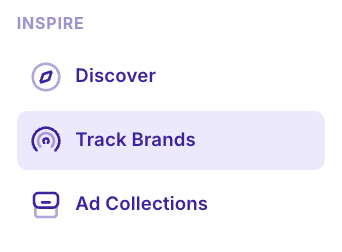
MagicBrief’s brand tracking feature allows you to gather creative intel on your competitors in seconds - including analysing their best performing hooks, ad copy, headlines and landing pages - while getting an overview of their entire ad library and media mix.
Video Explainer
Adding Brands
Use the search bar to find brands to track.
If we don’t already track the brand in MagicBrief, click “Expand Search” and it will allow you to add new brands onto the platform.
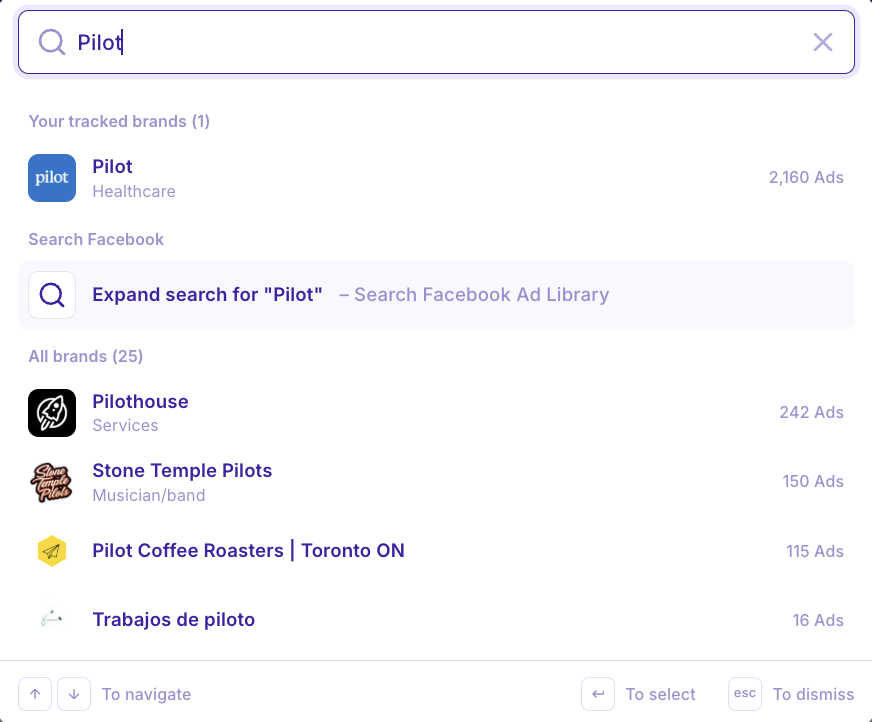
Note: New brands can take 20-30mins to ingest into the platform, and will appear as “processing” until completed.

Interpreting the Dashboard
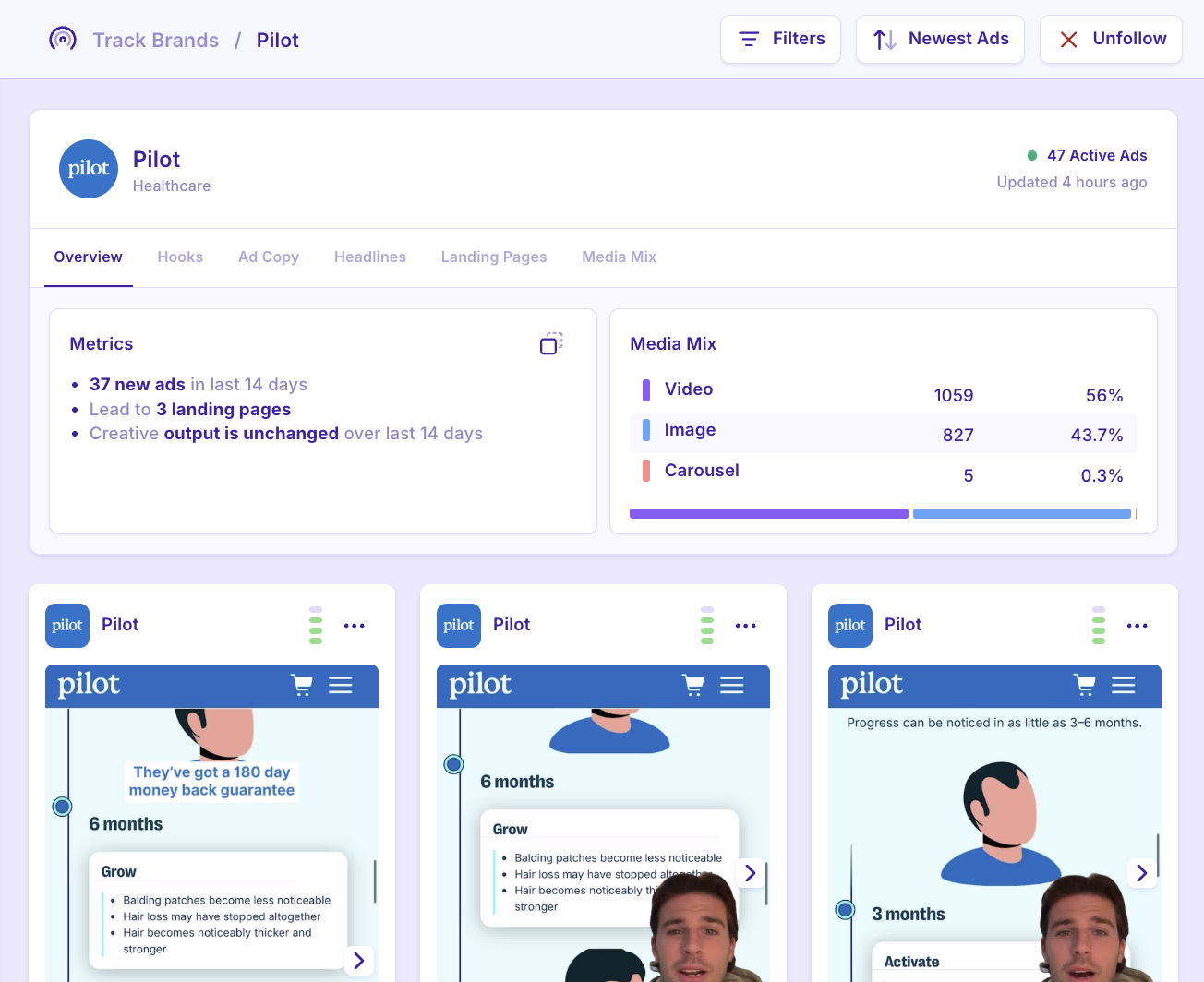
Creative Overview
A breakdown of the brand’s activity over the last 14 days.
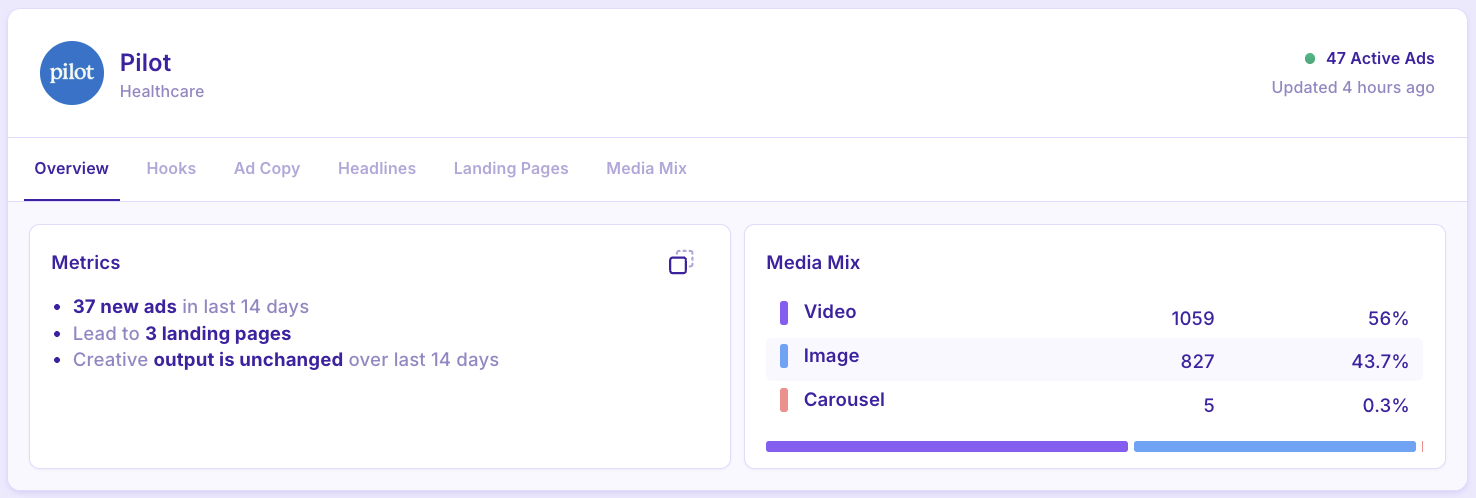
New ads: New creative in the account
This number includes headline / primary text variations eg. You launch 1 ad, but you test 3 headlines with that ad = 3 new ads
Landing Pages: The landing pages they are directing their creative to
Creative Output: The trend in creative velocity / number of ads they have launched
Media Mix: A number count and % split of the creative formats they are testing
Hooks
HOOK: The first 3 seconds / opening line of a video ad aimed at stopping the scroll to grab attention.
See a brand’s most tested hooks, and click the checkbox to see all the ads that use that hook.
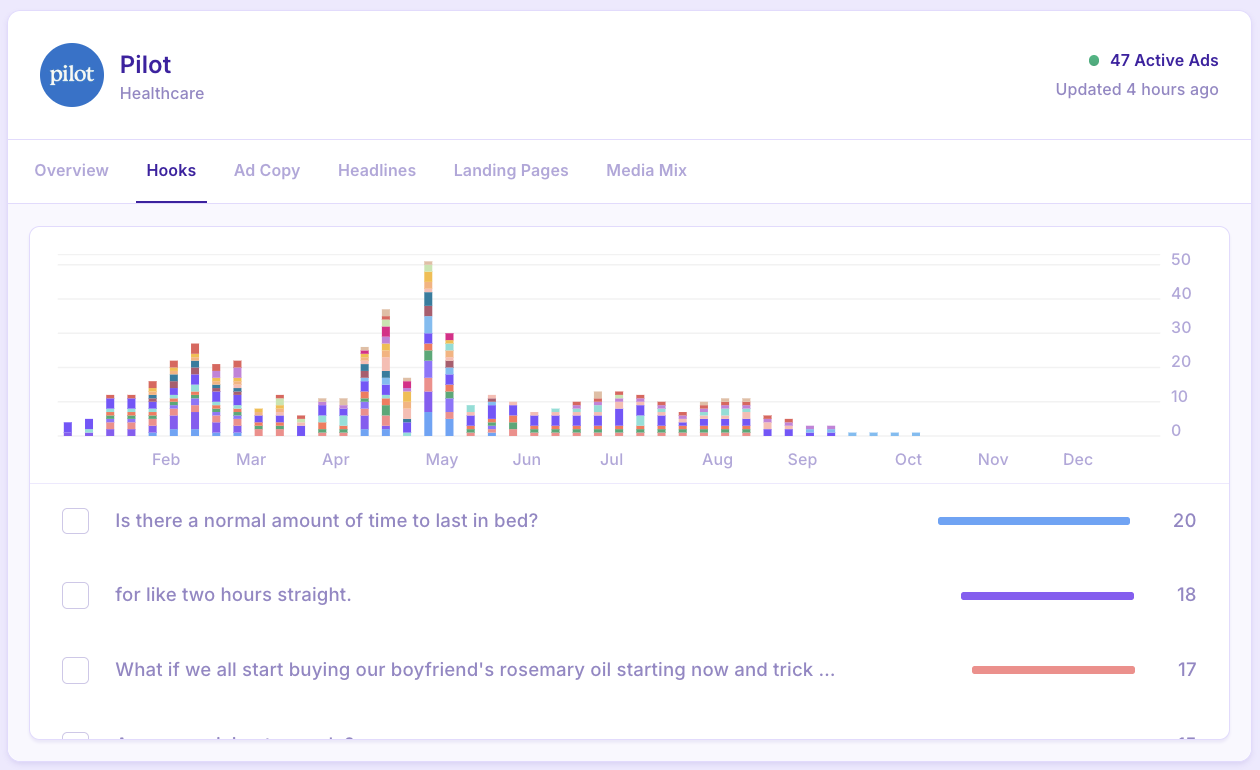
🔮⚡️ Magic Tip: Use this to get hook inspiration from your competitors, if they’ve used a hook across multiple creatives it might be a winner worth testing in your own account!
Ad Copy
Ad Copy: The primary text or “caption” used for ads.
Analysing ad copy can give you an idea of the type of messaging your competitors are testing in market and how this may evolve throughout the year. You can see which product claims, USPs or value propositions they lean into the most.
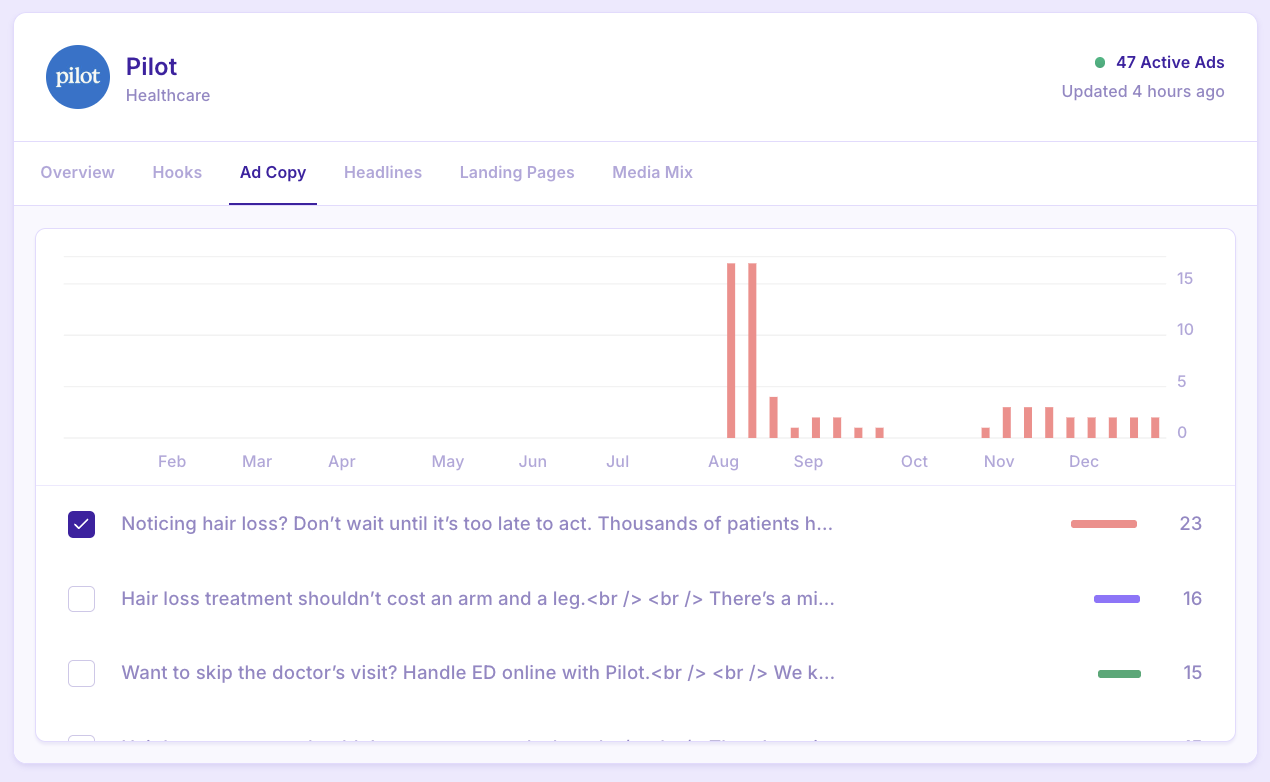
🔮⚡️ Magic Tip: Use this to do a gap analysis of the messaging you are testing vs your competitors. eg - they do a lot of ingredients based messaging - is this something to test?
Headlines
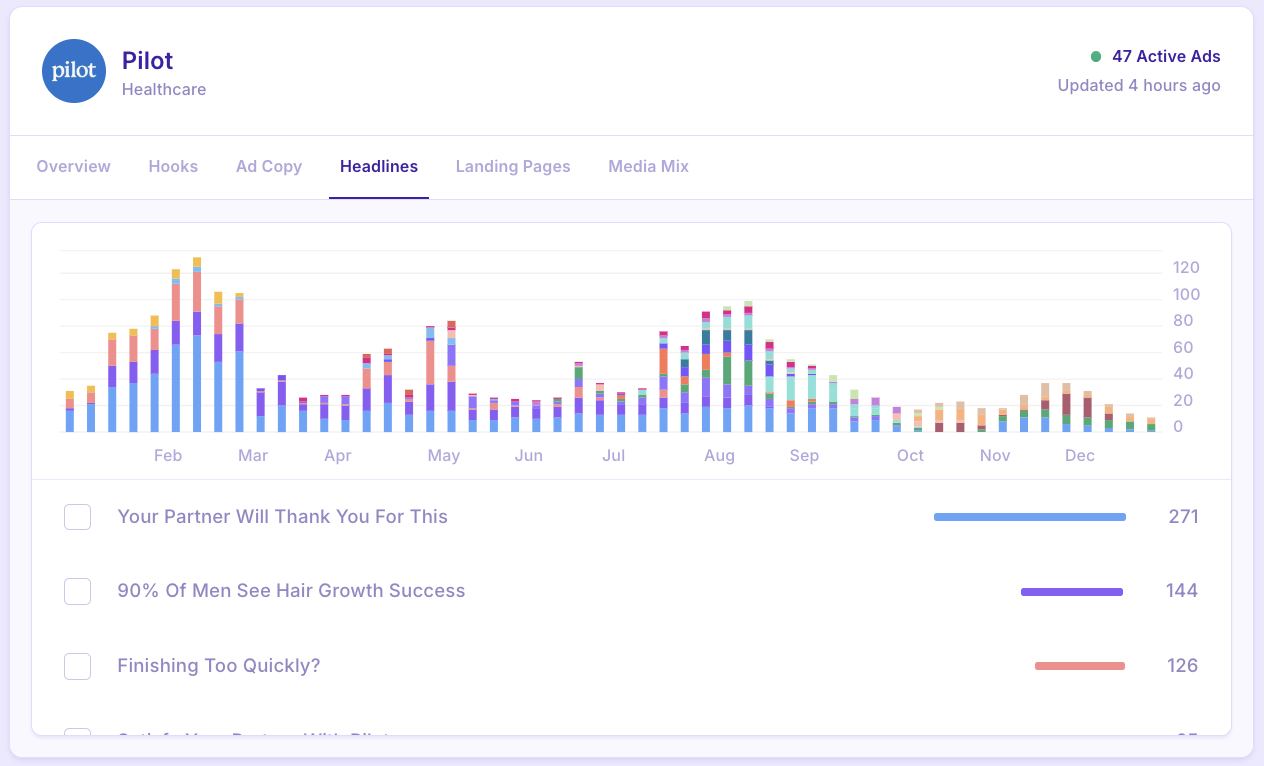
Headline: The main heading / title of a piece of ad creative.
Similar to ad copy, headlines can give you an idea of the messaging your competitors are testing in market. Often some of their strongest product claims or USPs will be their top headlines.
Landing Pages
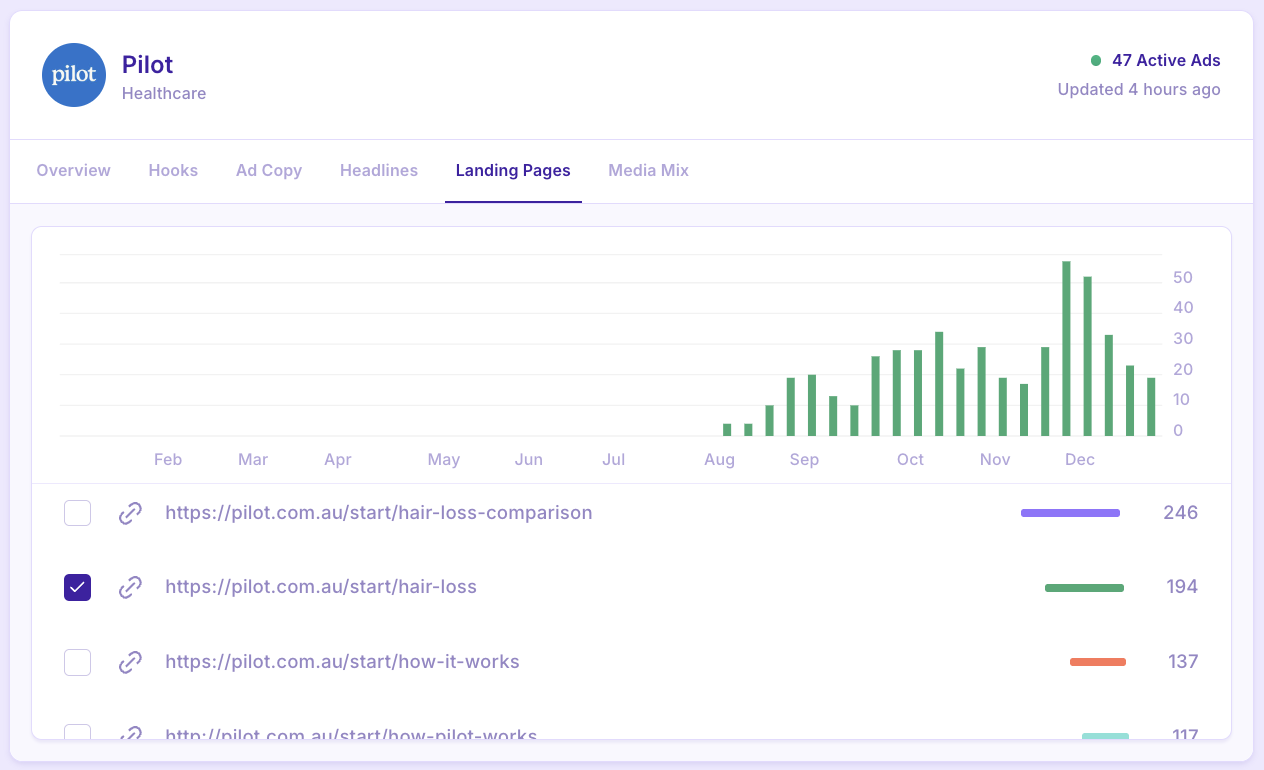
Landing Page: The website link attached to the ad that viewers are able to click into.
Analysing landing pages is a great way to stay on top of a brand’s new product launches (if they are directing to a new page) and to see what their top sellers are (they may direct most to the pages of products they sell the most).
Media Mix
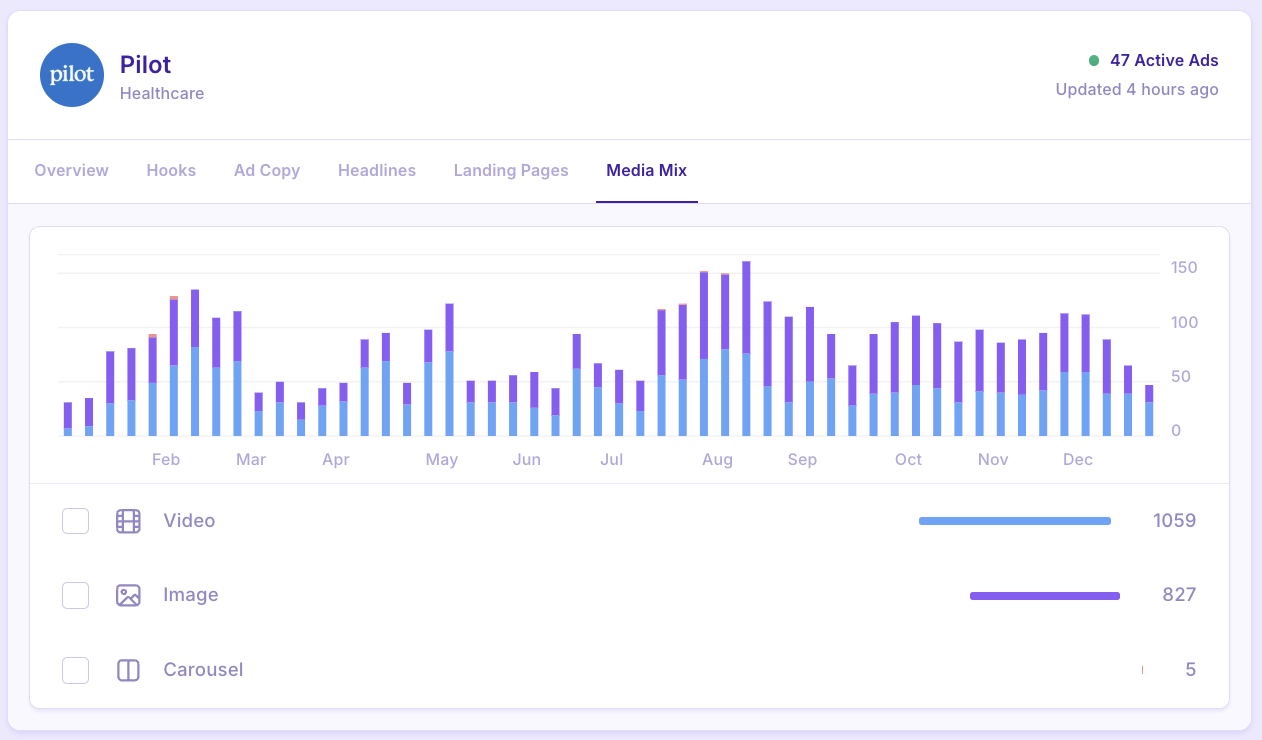
Media Mix: The split of ad formats across video, image and carousel.
Looking at a brand’s media mix is a great way to see which times of the year they are pushing more ad spend towards, or which times of the year may be more quiet for them. This also helps to see what formats they test the most of overall.
How Does the Data Work?
Our brand tracking tool uses publicly available data from platform ad libraries.
We start tracking a brand’s activity from the day it is added to MagicBrief, meaning that some brands will not have a full 365 day view of their activity if they have been added more recently.
When you first add a brand, we only capture the ads live ON that day, meaning you may see this ‘exponential’ graph view as it’s tracking older ads that may still be live in the account.
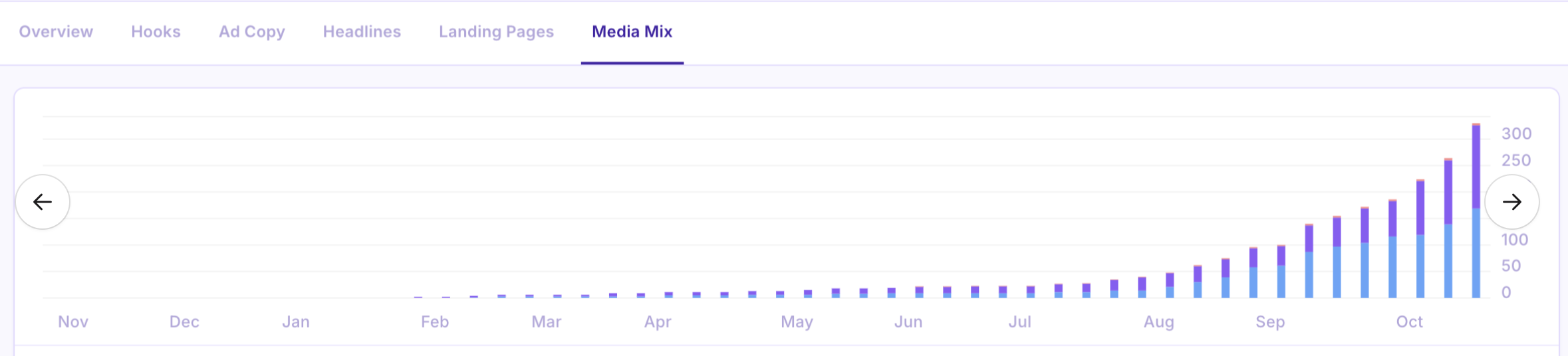
This graph will correct over time as we track the trends of new ads being launched.
