Creating Ad Boards
Last updated: January 17, 2025
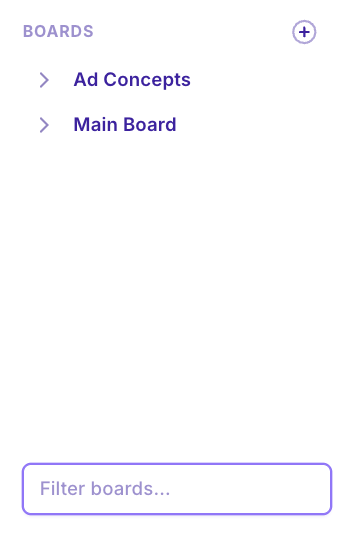
The left sidebar of MagicBrief Inspire houses your ad inspiration boards.
Create A New Board
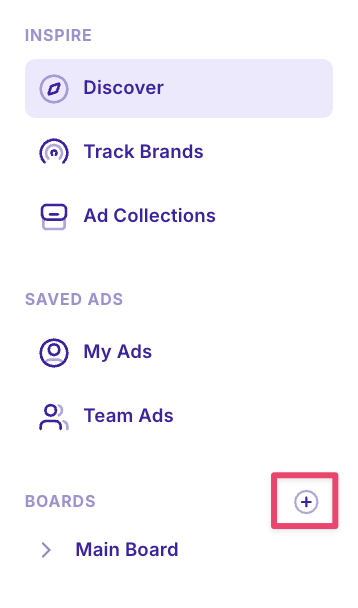
Click the [+] button on the left sidebar of Inspire.
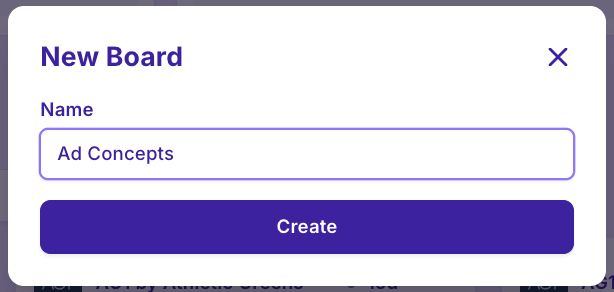
Type the desired name and select “Create”
Create a Sub-Board
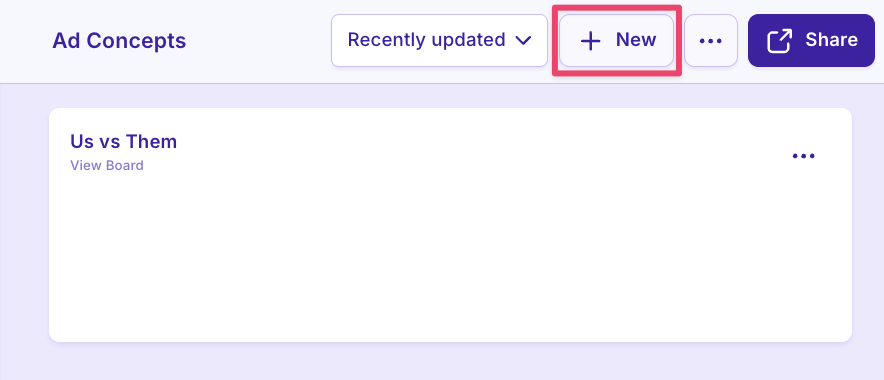
Click inside an existing board and click “+ New” to create a sub-board.
You can also hover on the name of the existing board in the left sidebar until the [+] icon appears and create a sub-board from there.
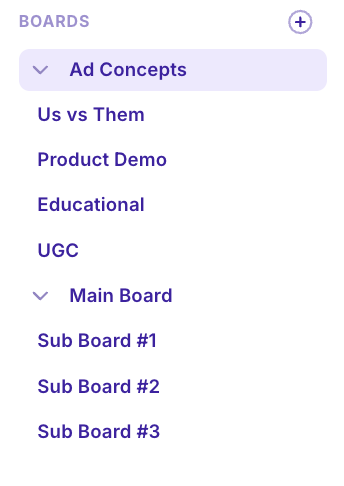
Sub-boards will appear in this nested drop down view in the left side bar or you can click into a main board and see all sub-boards contained within it.
Search Your Boards
Use the “filter boards” search bar at the bottom of your left sidebar in Inspire to search through your boards.
Share, Move or Rename Boards
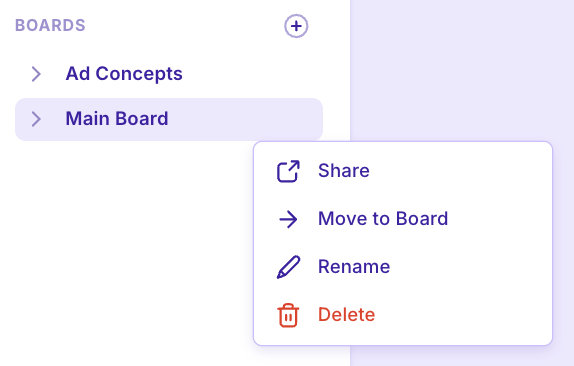
Hover over a board or sub-board until the […] icon appear.
Click […] and select from the pop up menu to share, move or rename boards.
Generating Sharelinks
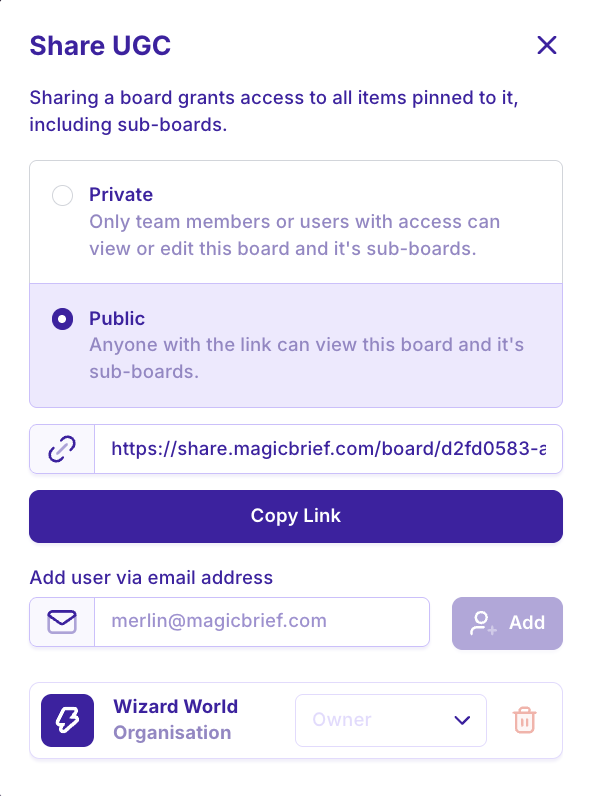
When sharing a board, you have the option to create a private link (only for team members) or a public link (to share with anyone even if they don’t have a MagicBrief account).
How to Structure Boards
Board organization is personal to your workflow and team setup. Here are recommendations that can be used by in-house teams and agencies:
By Ad Concept / Theme
To organize inspiration according to ad concepts / themes eg. Us vs Them, Testimonial, Founder Story
Main Board: “Ad Concepts / Themes”
Concept #1
Concept #2
Concept #3
Main Board: “Ad Building Blocks”
Hook library
Great CTAs
Editing references
By Client / Vertical
Perfect for an agency, this structure allows you to keep track of inspiration across different clients or verticals.
Main Board: Client Name eg. AG1, HiSmile, True Classic
Campaign #1
Campaign #2
Campaign #3
Main Board: Vertical Name eg. Skincare, Fashion, Supplements
Concept #1
Concept #2
Concept #3
By Product Range
To organise inspiration according to the different products a brand stocks. Particularly helpful if you have a broader SKU range
MAIN BOARD: “Products”
Product #1
Product #2
Product #3