Using AND vs OR in Advanced Filters
Last updated: September 10, 2025
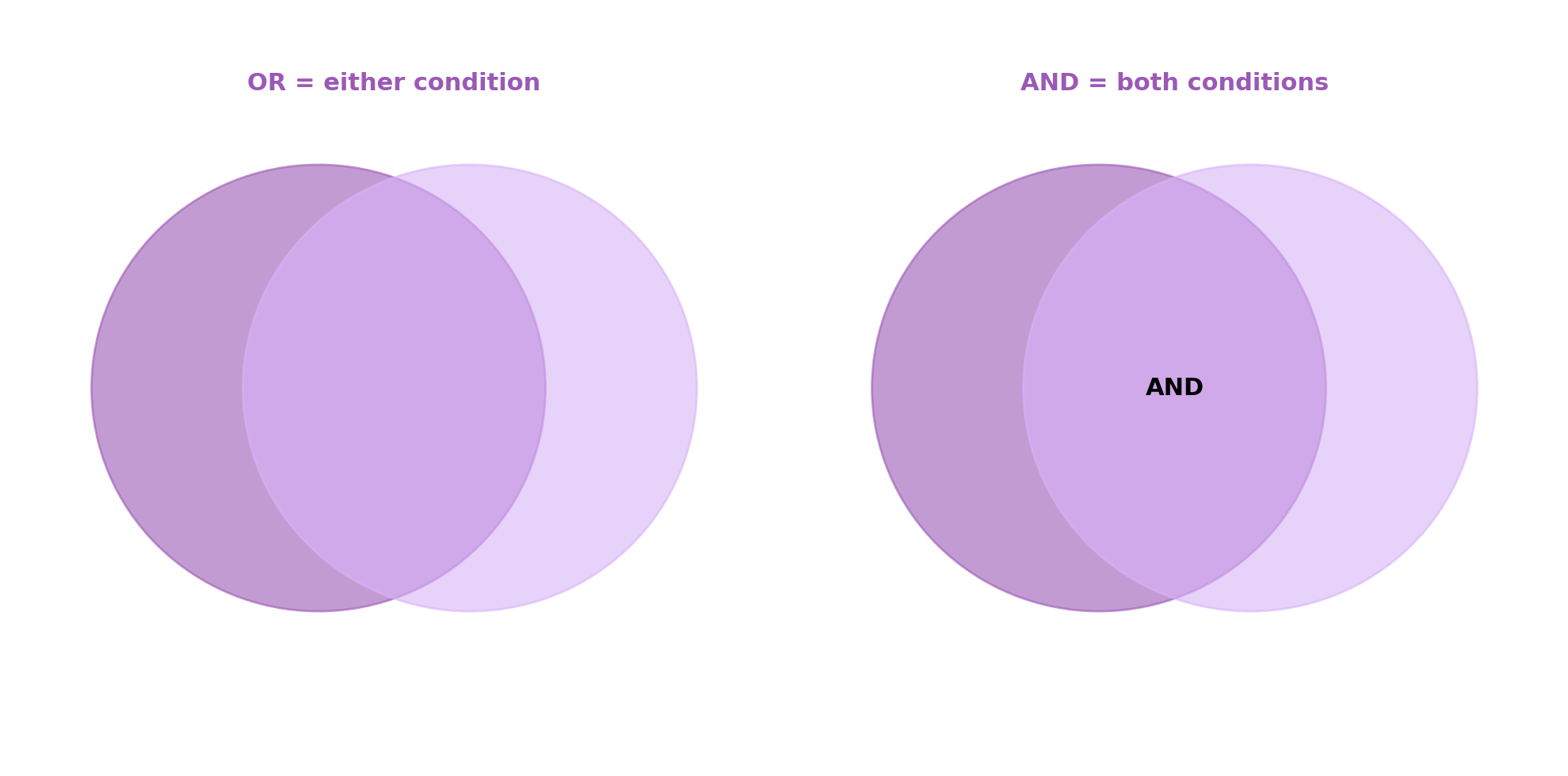
When you’re setting up advanced filters in your reports, you’ll see a toggle for “AND” and “OR.” This controls how multiple filter conditions work together.
AND = Narrow it down 🔎
Think of AND as stacking rules on top of each other.
Your results must meet all the conditions at once.
Example: Ad Name = MagicBrief AND Ad Name = Canada → only ads that include MagicBrief + Canada.
OR = Widen the net 🌍
Think of OR as casting a bigger net.
Your results can meet any of the conditions.
Example: Ad Name = MagicBrief OR Ad Name = Canada → shows either all ads or all ads with Canada.
Pro Tip 💡
Use AND when you’re looking for very specific slices of data.
Use OR when you want to explore more broadly without excluding too much.