Updating Page Permissions
Last updated: February 13, 2025
Periodically, you may find that previews for some ads are not rendering in MagicBrief - this article covers how to resolve this.
Understanding Page Permissions
It's possible to launch Meta ads from two different sources: either through the Ads Manager interface or directly via a Facebook page or instagram handle (including boosted posts, cross-posted content, and whitelisted content). For page-based advertising, additional page-level access permissions are required for previews of those ads to render in MagicBrief.
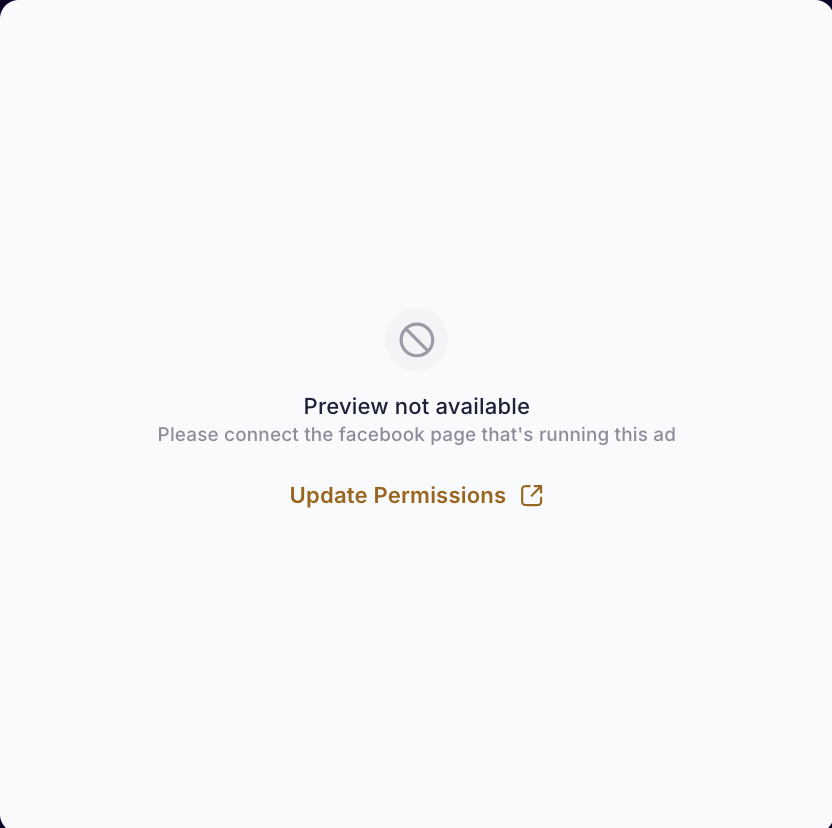
If the necessary page permissions haven't been granted, we will prompt you to update them:
Granting The Correct Page Permissions
The team member who originally connected the ad account to MagicBrief needs to complete these steps.
Reach out to support if you need help identifying who that is.
Click the 'Update Permissions' button when prompted.
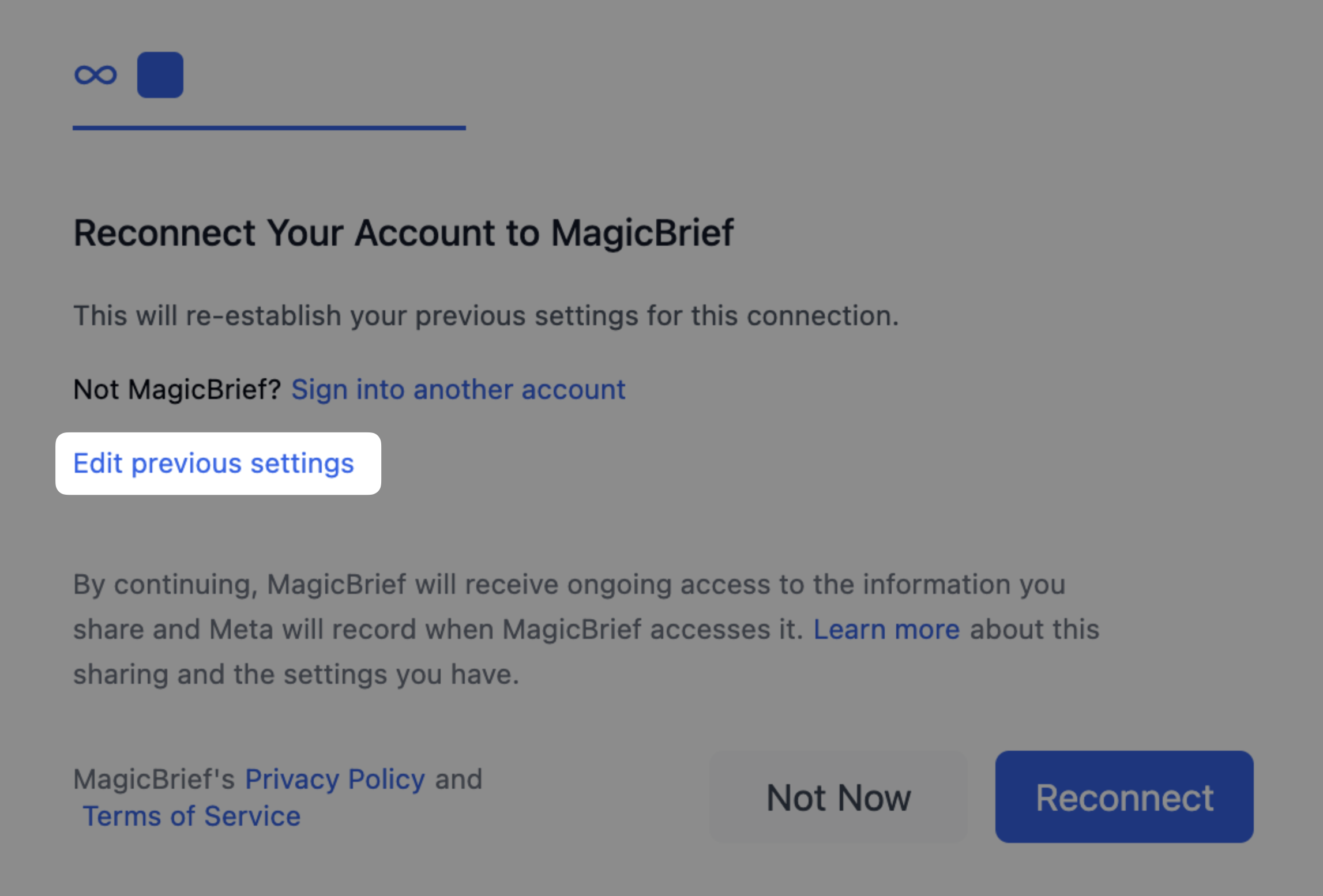
In the window that opens, click 'Edit previous settings'.
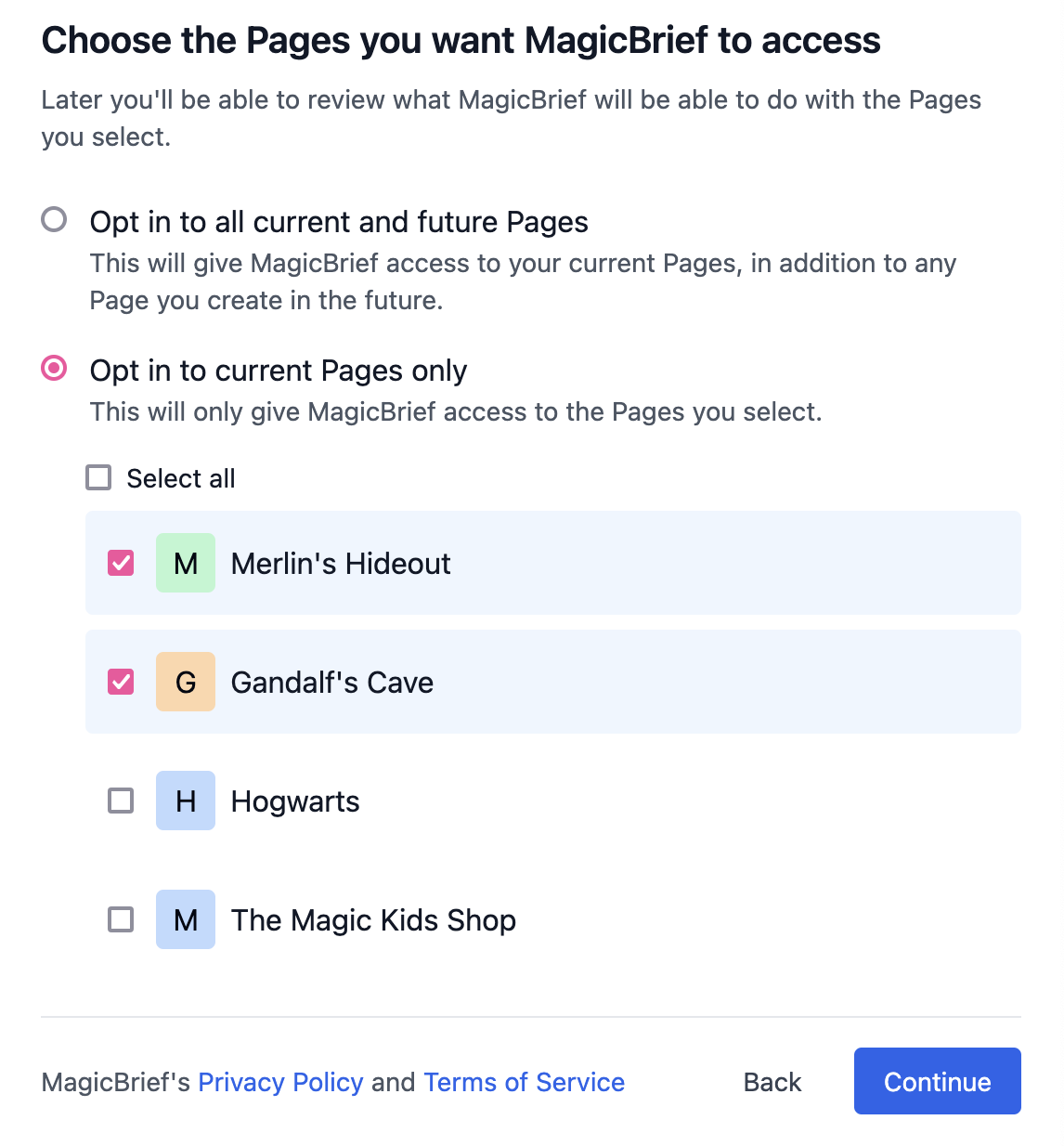
You will now see a list of available Facebook pages - select the ones you want to authorize for MagicBrief.
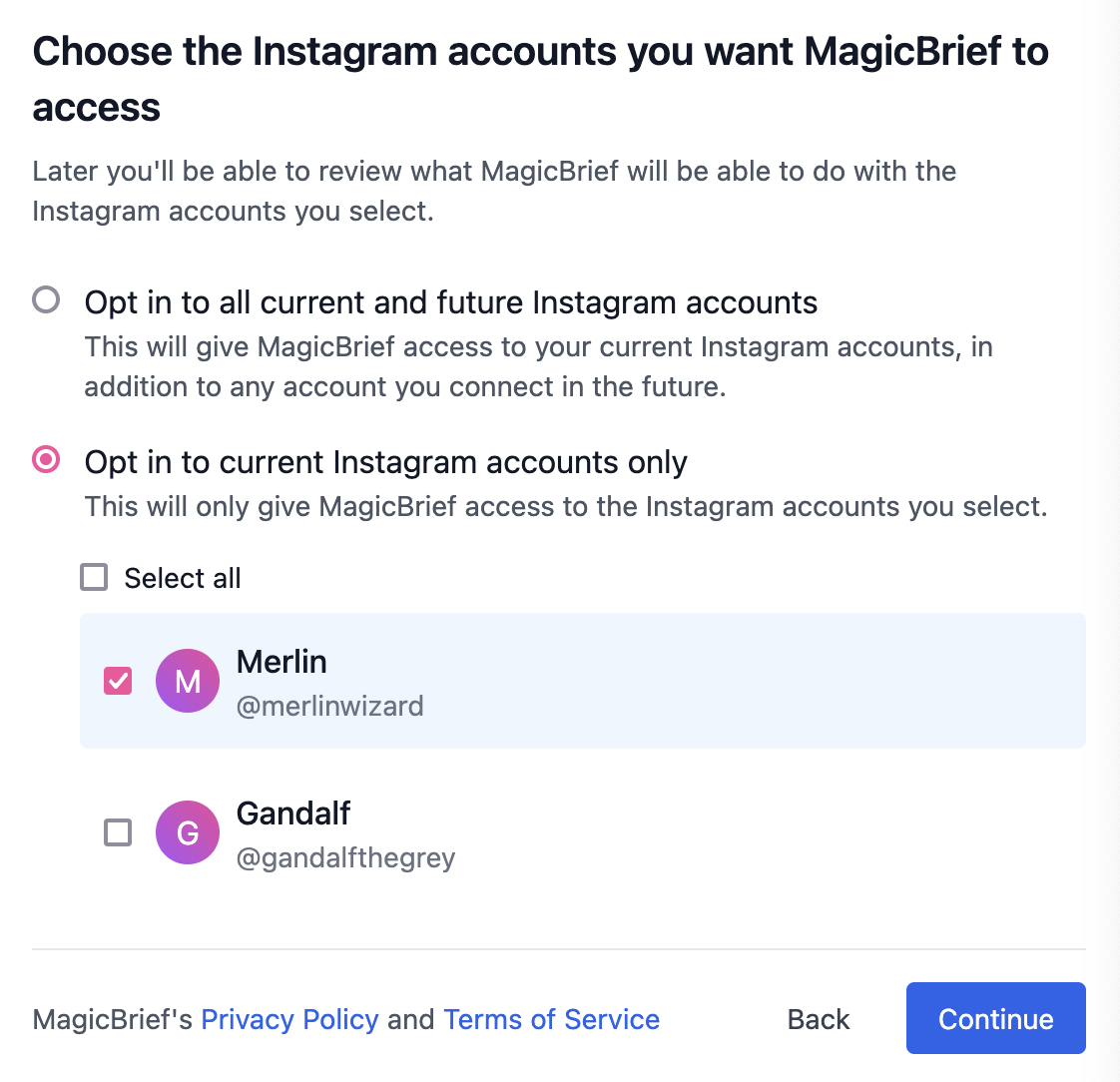
You will then see a list of available Instagram pages - again, select the ones you want to authorize for MagicBrief.
Click 'Reconnect'
You should now be all set. If you are still having issues seeing ad previews after this, go to Meta Business Manager, open 'Business Integrations', and double-check that you have given MagicBrief permissions to the page as well.