Set Up Your SlackBot
Last updated: January 17, 2025
Use our Slackbot to send automated performance updates directly to your Slack workspace - perfect for teams using Slack.
How to Integrate Slack
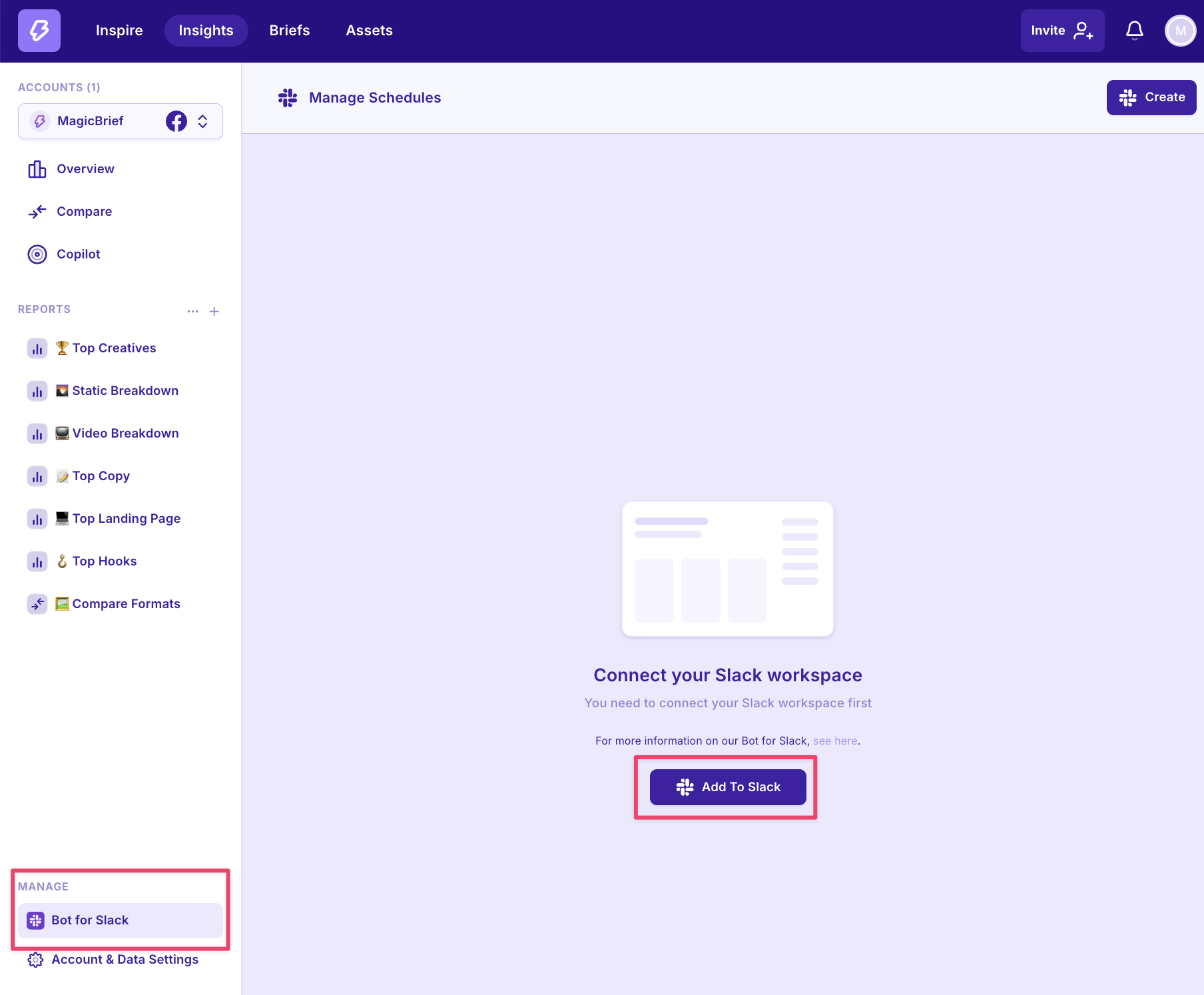
In the bottom left panel of Insights, select “Bot for Slack” and click “Add to Slack”
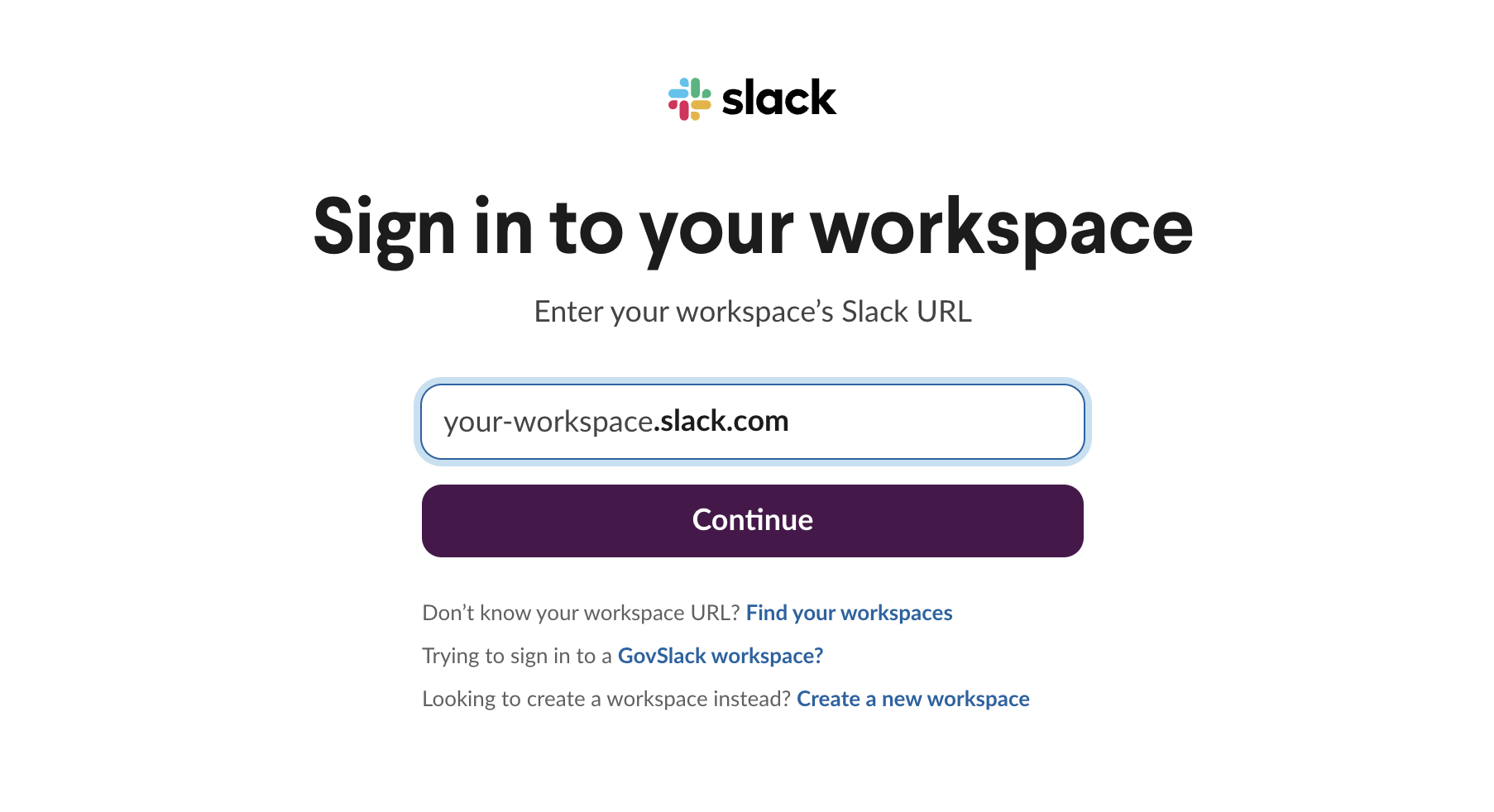
Follow the prompts to login and connect to your Slack workspace.
Setting Up Performance Updates
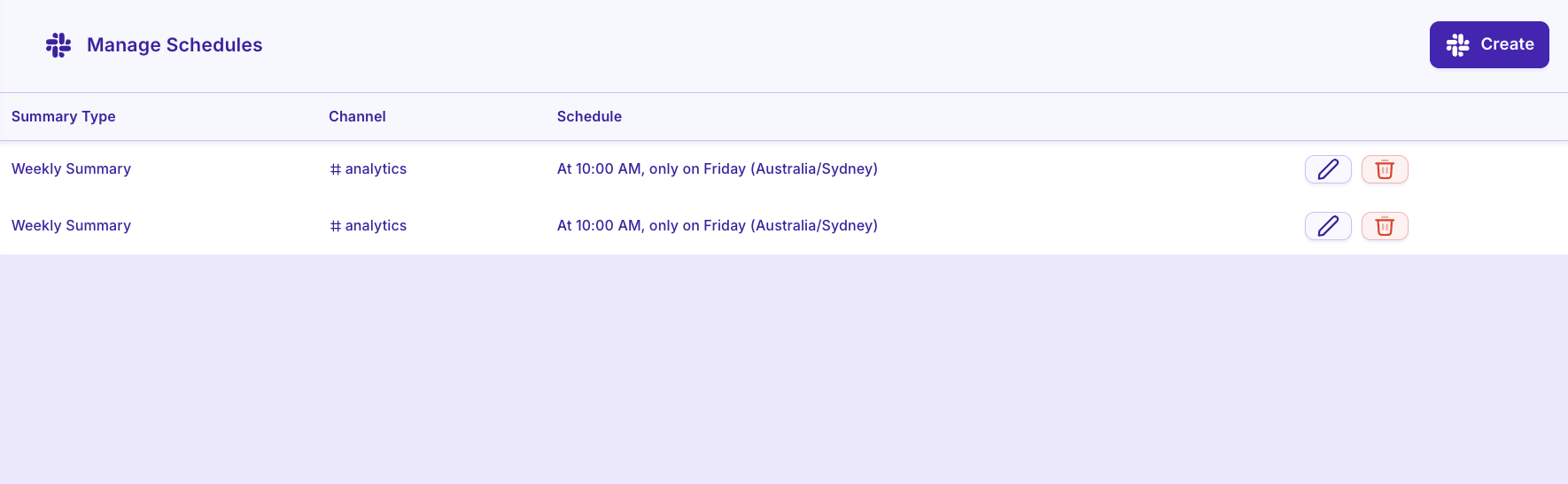
For Your Whole Account
Click “Bot for Slack” in the bottom left of Insights
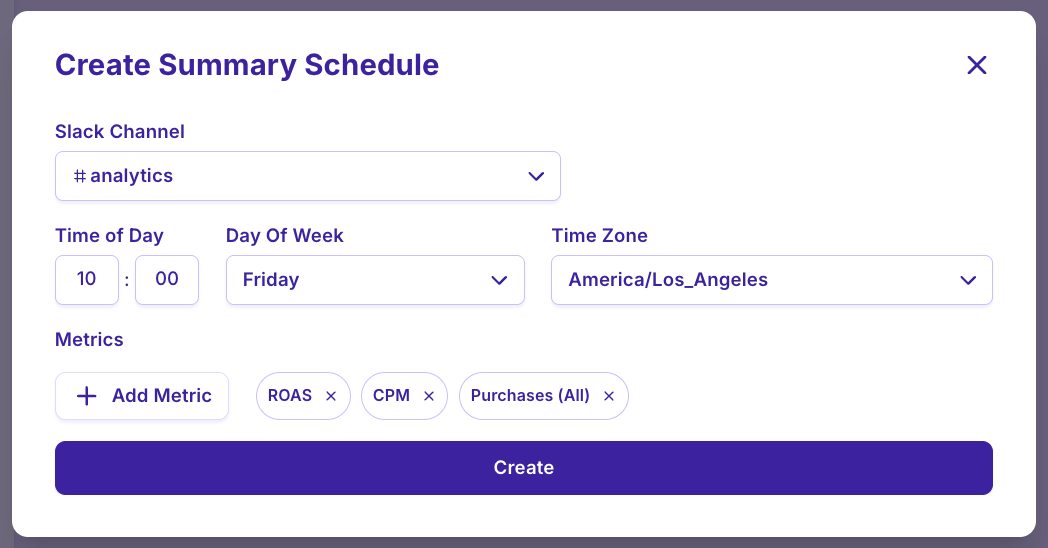
Click “Create in the top right corner
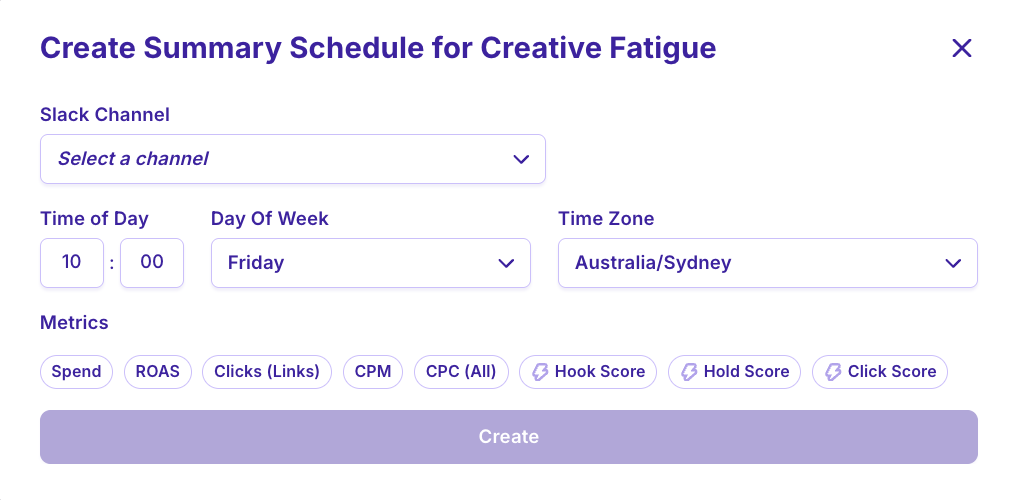
Set up a weekly metrics update for the target metrics in your ad account
For Specific Reports
Click into an Overview report in Insights
Click “Create” in the top right corner of the report
Select a channel and time. Metrics will be automatically populated from those selected in the report.