Connecting Meta Accounts
Last updated: January 17, 2025
You will need admin-level permissions to connect new ad accounts.
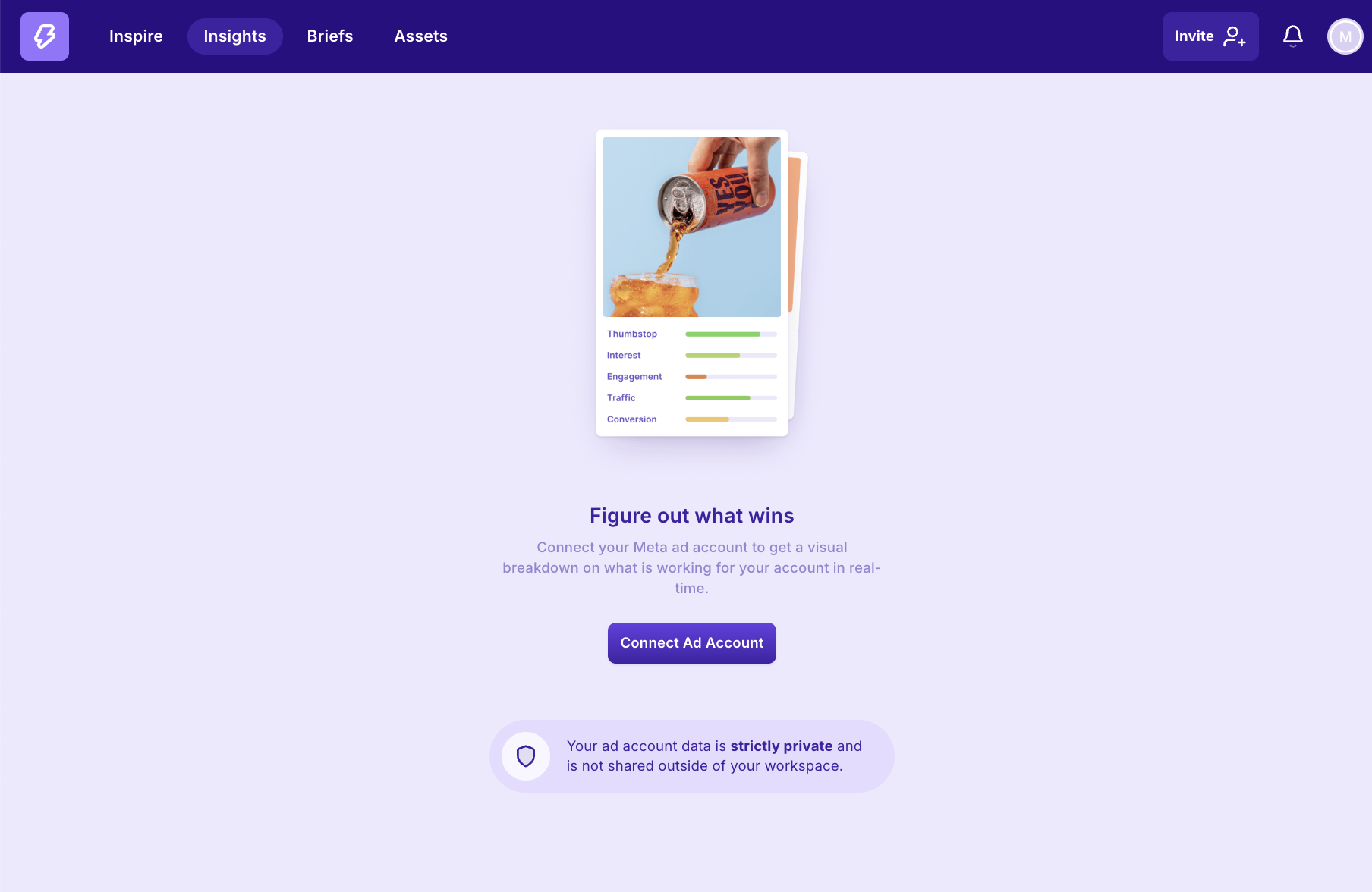
Click “Insights” in the top panel and select “Connect Ad Account”
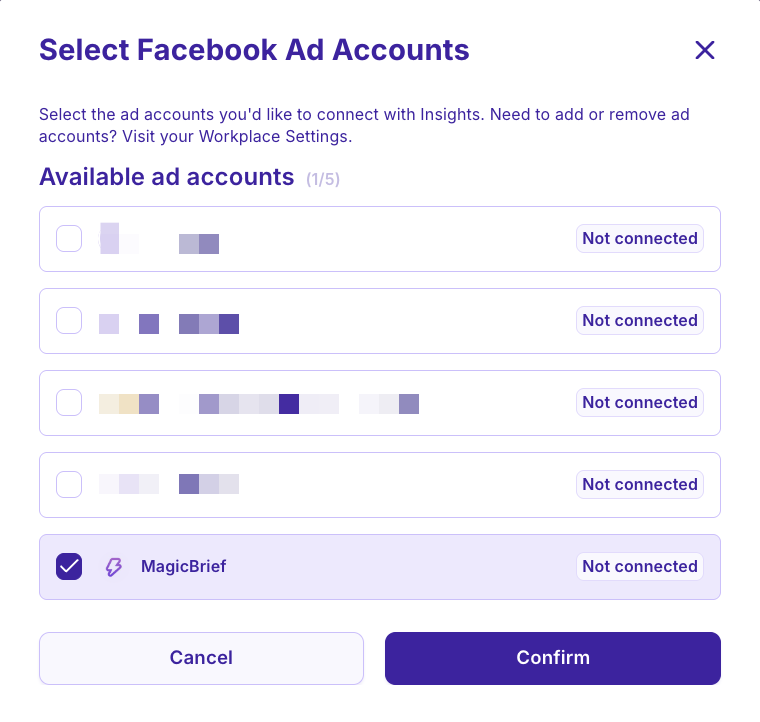
Select the ad account you wish to analyse on MagicBrief.
Connecting More Ad Accounts
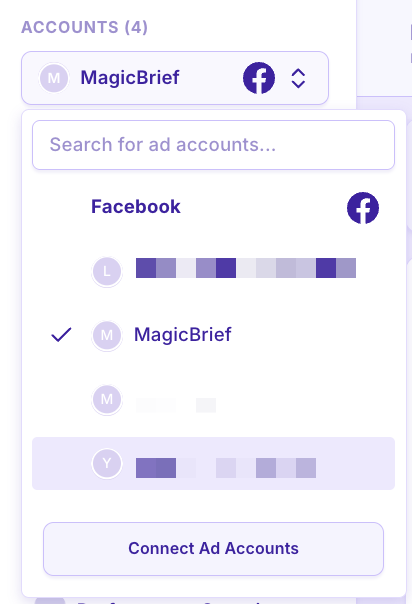
To add additional accounts, click next to the “accounts” button in the top left of Insights.
Select “Connect Ad Accounts” to add more into your MagicBrief workspace.
Remove an Ad Account
Click on 'Account & Data Settings' at the bottom left corner of the screen when you are in Insights.
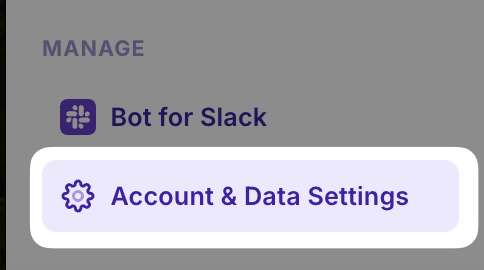
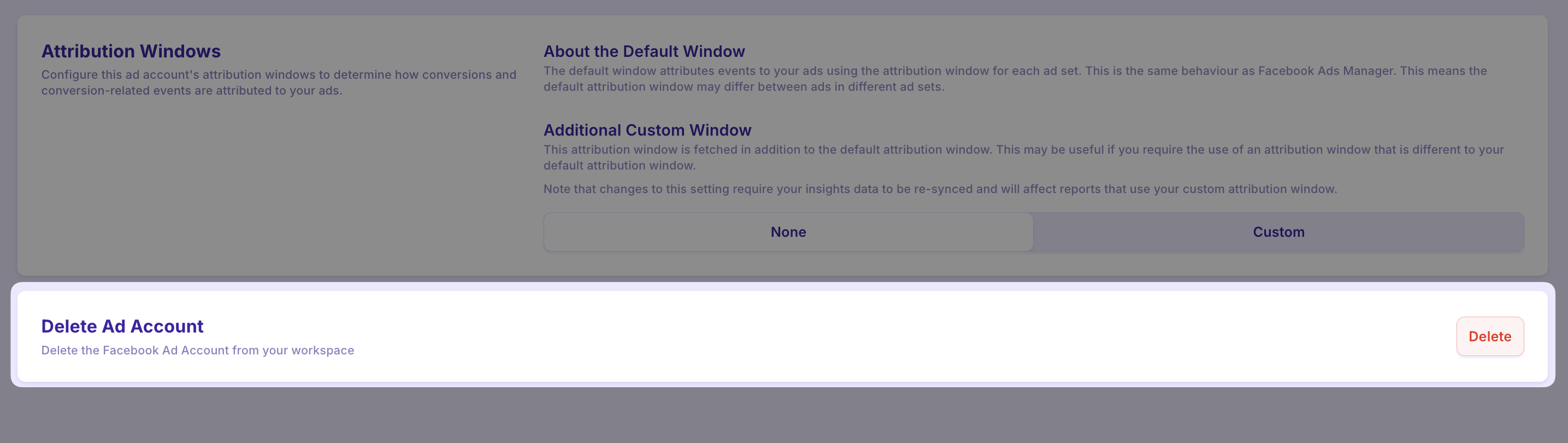
Click the 'Delete' button and select the ad account you wish to disconnect.